How we built collaborative editing in EmDash

EmDash 1.5 lets several people edit one entry at the same time. Here's how we built it, from the room on the server that saves everyone's edits to the tests that make sure merges don't delete anything.
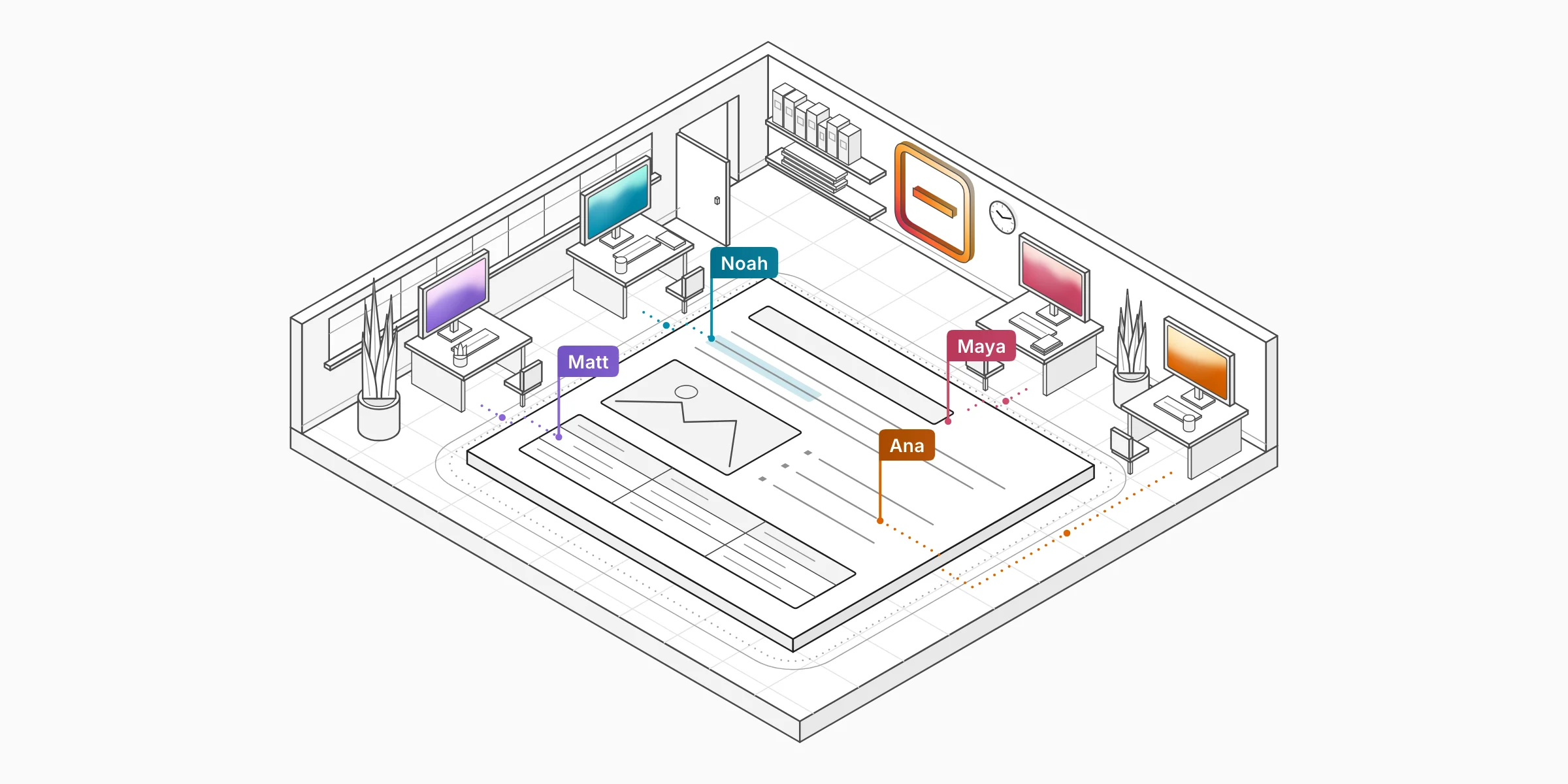
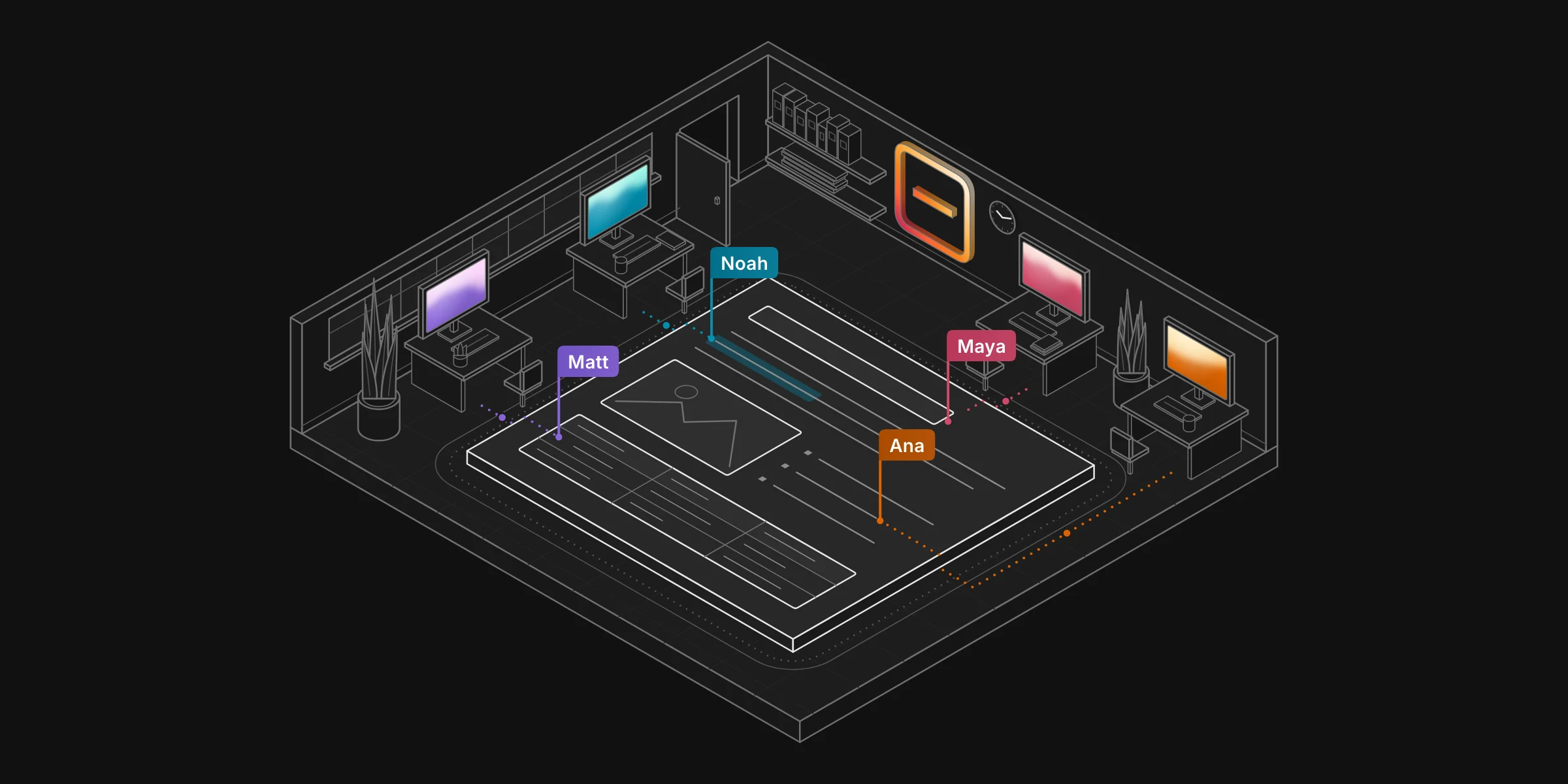
Most posts pass through more than one person before they go live. EmDash 1.5 lets all of them edit the same entry at the same time.
Each open entry gets a room on the server. On Cloudflare, the room is a Durable Object, a Worker with its own storage; on Node.js, it runs inside your site's process. The room holds the entry as a shared document in Yjs, a library for merging edits that people make at the same time. It sends each person's edits to everyone else over WebSockets and saves the entry through the same code as the content API, so permissions, validation, hooks and revisions all still apply.
The room saves
First, we had to decide where saving happens. WordPress built real-time collaboration for its 7.0 release with each browser saving its own copy of the shared document, which works on any PHP host. A later WordPress proposal describes what that allows. Someone's connection drops while a colleague keeps writing, saves and leaves. When the first person comes back, they save before their editor has caught up and erase the colleague's work.
Ana and Noah edit one post in their browsers, connected through a server to the database that holds the stored version. Noah goes offline and adds “Even offline.” Ana adds “Everyone gets a cursor.”, saves and closes her tab. When browsers save, Noah's browser saves its stale copy when he reconnects, which replaces the stored version, and Ana's sentence is lost. When the room saves, Noah's offline edits merge into the room's document, and the room saves both sentences.
In EmDash, the room does the saving. Our server runs the same JavaScript as the editor, so the room can read the shared document and convert it to Portable Text, the JSON format EmDash stores rich text in. It saves as one of the people editing, 2 seconds after the last edit and at least every 10 seconds while people keep typing.
Making sure merges don't delete anything
If the room saves whatever the shared document holds, we had to be sure the document itself wasn't dropping content. So before we wrote the room, we tested the editor.
EmDash's editor is built on ProseMirror, a toolkit for rich text editors, and a binding keeps it in sync with the Yjs document. ProseMirror only accepts content that fits the editor's schema, its rules for what can go where. When two people's edits merge into something that breaks those rules, the binding deletes it, so that every copy stays the same.
To find out how often that happened, we wrote a test where three editors make random edits at the same time, and ran it 10,000 times. With our schema at the time, 12.1% of runs lost content. The cause was a few strict rules. One was that every list item had to start with a paragraph. If one person deleted a list item's first paragraph while another nested a list under it, the merged item started with a list, and the binding deleted it. The editor's automatic fixes caused trouble too. When a table was missing a cell, every editor added one, and Yjs kept them all.
A grid of 10,000 squares, one for each test run in which three editors made 200 random edits at the same time. With the old schema, 1,213 squares turn red: runs that lost content, almost 17,000 characters and 110 images, embeds, dividers and line breaks in all. A common cause is a list item whose first child became a list, which the old schema rejects and the binding deletes. With the new schema, no square turns red.
We loosened the rules for lists, quotes and tables, and made those automatic fixes run only on your own edits, never on someone else's. In another 10,000 runs, no content was deleted for breaking the schema. CI now runs 100,000 simulated editing sessions against the room every night.
Knowing your work is saved
The Save button shows Saved only when a stored save includes every edit you made.
The usual way to compare Yjs documents is a state vector, which only counts what each person has added. If you delete a sentence, the state vector doesn't change, so the button could say Saved before your deletion was stored. Your editor compares Yjs snapshots instead, which include deletions.
If your connection drops, the button switches to Offline after 5 seconds, and you keep typing. When you're back, your edits merge with everyone else's and the room saves them. Every saved version lists everyone who edited it, and the publish dialog names everyone who has edited since the live version.
Maya's Save button reads Save while she types and Saved 2 seconds after she stops, when the room saves. Her connection drops; 5 seconds later the button reads Offline, and she keeps typing. When she reconnects, her edits merge, the button reads Save, and the room saves 2 seconds later. The latest version in Revisions now names Maya, Noah, and 1 other person.
Writes from outside the editor
Because the room knows exactly what it last saved, other writers don't have to be locked out while people are editing. Entries also change through the REST API, the CLI, plugins, scheduled publishing and EmDash's MCP server, which AI agents use. After each of those writes, EmDash notifies the entry's room, and the room copies the fields that changed into the shared document. People in the editor see an agent's new excerpt appear within a second. If someone in the room changed the same field in the meantime, their version is kept.
Noah's, Matt's and Ana's editors connect to one room over WebSockets. Noah's keystrokes travel through the room to the other editors. The room saves as Noah through Content save, the function the content API uses, which checks permissions and validation, runs hooks and records a revision before writing to the database. An agent over MCP saves a new excerpt, which passes the same checks; the database write notifies the room, and the excerpt appears in all three editors. On Cloudflare, the room is a Durable Object that sleeps between messages and wakes when notified. On Node.js, it runs in the site’s own server, next to Content save.
Turning it on
Collaborative editing is opt-in in EmDash 1.5. Set one option, then rebuild and deploy.
emdash({
	coEditing: true,
});
It works in any collection that keeps revisions. Sites created from the 1.5 Cloudflare templates are already set up, and the docs cover existing Cloudflare sites and Node.js. Anywhere a room can't run, the editor keeps working with the edit lock, where one person edits at a time.

